Don't configure it yourself. Ask your agent.
Every server you run yourself has a setting that needs changing sooner or later: a teammate can't upload a file, logins expire too fast, the default storage quota is too small. Usually you open the admin page and look for it among dozens of settings, then check the docs to find which environment variable it maps to and whether changing it needs a restart.
In udctl (UnDercontrol), you can hand that to an agent: say what you need in one sentence, and it reads the settings, changes that one key, and reads the new value back to show you.
We made an 85-second video of this: watch it on YouTube. This post is the written version. The screenshots are frames from the video; Mara, Dana and the video file are demo data.
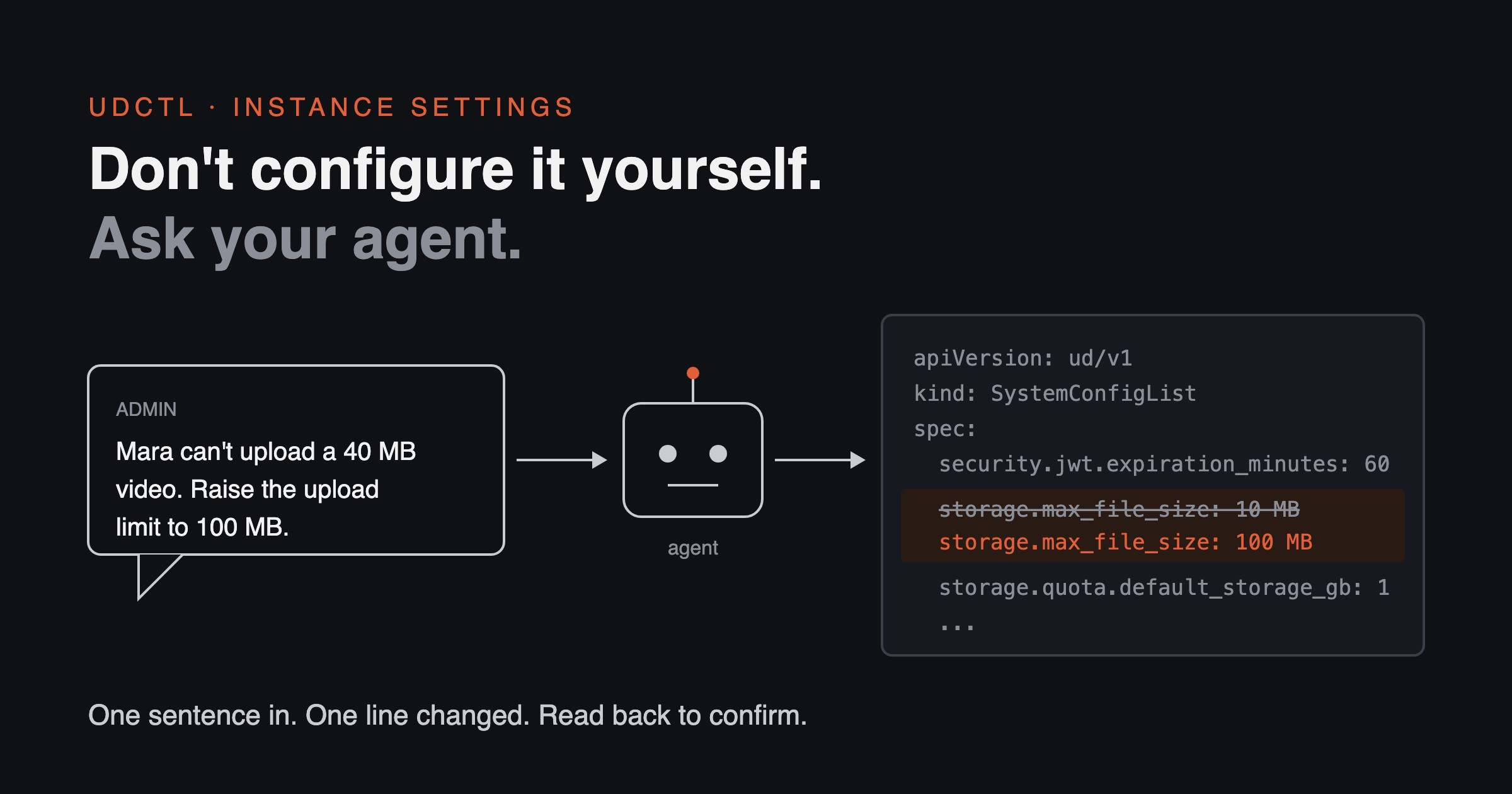
Where the idea came from: let an agent do the configuring
The idea comes from a Linux meetup. There I learned how Omarchy does it: the system's settings are plain text files, and the system ships a guide for agents that explains how to read and change the user's configuration. The user says what they want, and the agent configures it.
udctl applies the same idea to its own instance settings.
No hunting through dozens of settings: the whole instance is one YAML document
One command exports every setting of the instance:
ud describe systemconfiglist -o apply
What comes out is a YAML document. Under each key: its value, its type, who set it (default, environment variable or admin), the environment variable it maps to, and its default. The instance in the video has 65 keys.
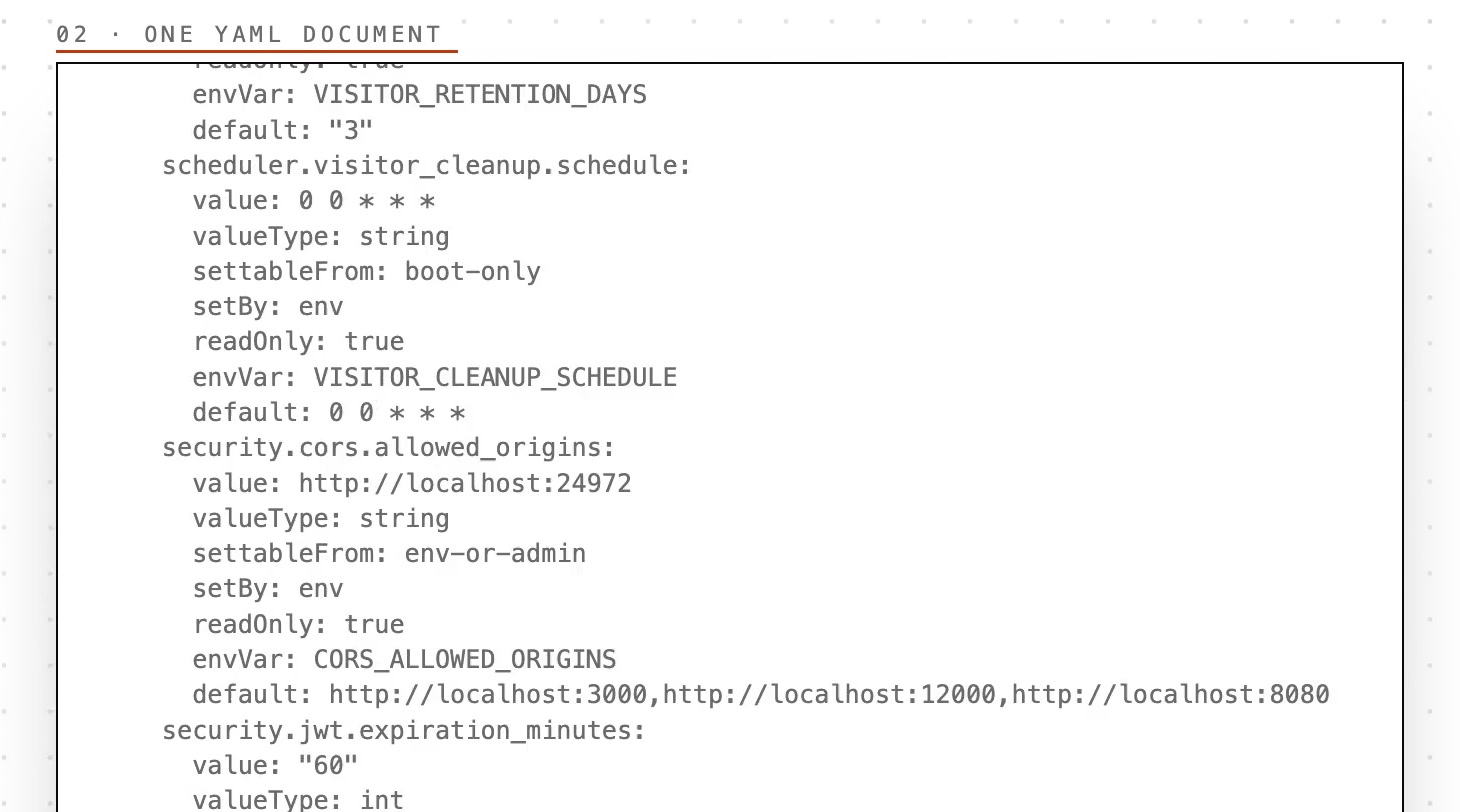
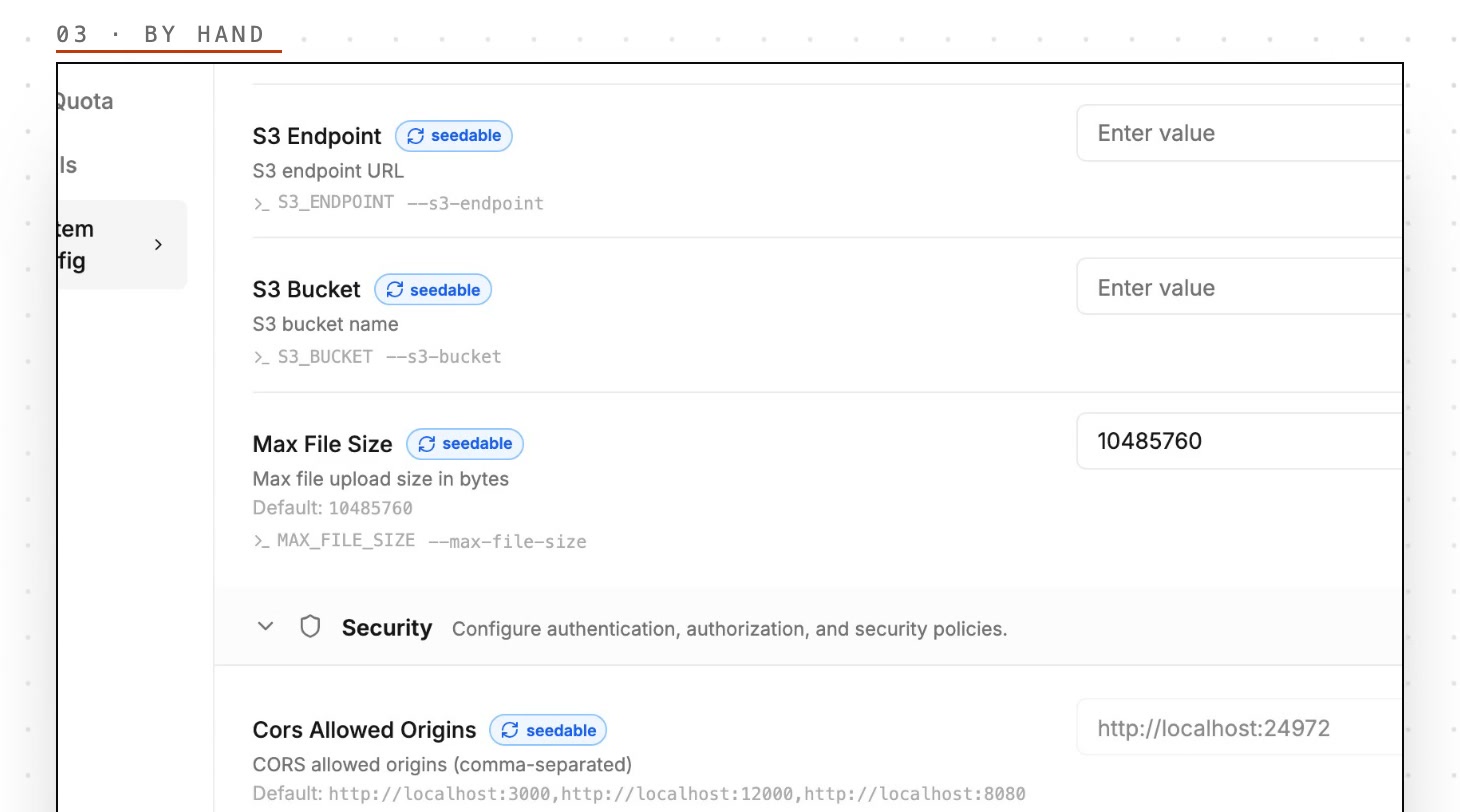
The same settings are also on the System Config page of the admin panel, listed one by one. You can go and look for the one you need there; the agent reads the document above.
No need to check first whether a setting can be changed live: the document says so
Every key has a settableFrom field that tells you where it can be changed:
| settableFrom | Meaning | Example |
|---|---|---|
| admin-only | Changed only by an admin, in this document or the admin panel | storage.quota.default_storage_gb (default storage quota per user) |
| env-or-admin | An environment variable gives the initial value; an admin can change it in the document | storage.max_file_size (per-file upload limit), security.jwt.expiration_minutes (login token lifetime) |
| boot-only | Read once at startup; only the environment variable changes it | scheduler.visitor_cleanup.schedule (schedule for cleaning up visitor data) |
If you change a boot-only key, apply rejects the whole document, and the error names the environment variable to change instead. So the agent can tell before it acts whether a setting can be changed live, and for one that can't, the error already says which environment variable to edit.
When a teammate is stuck, you say one sentence
In the video, team member Mara tries to upload a 38 MB video. The instance's upload limit is 10 MB, and the upload is rejected.
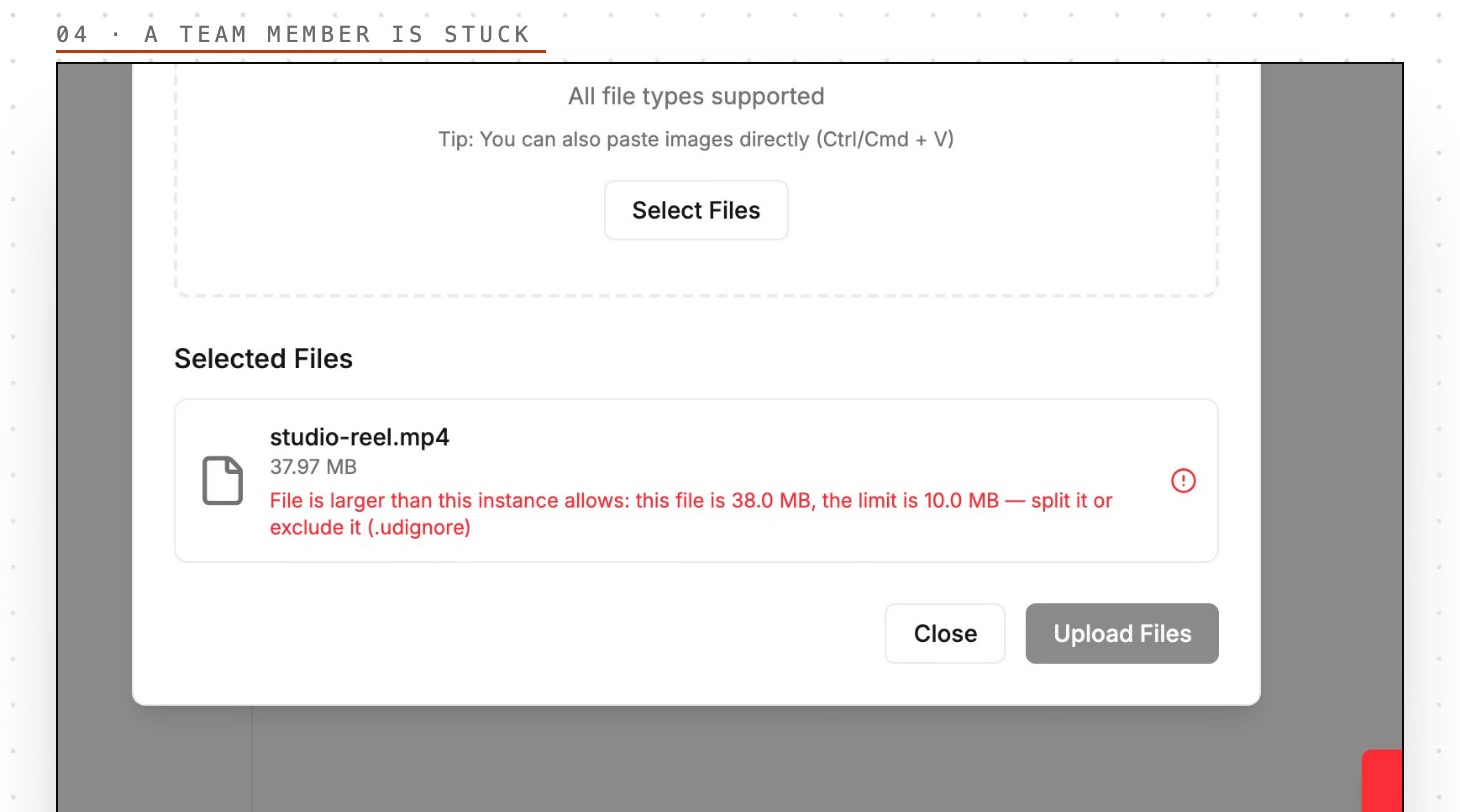
Dana, the admin, says one sentence to Alfred (the agent built into udctl) in a conversation:
Mara can't upload a 40 MB video. Raise the upload limit to 100 MB.
41 seconds later Alfred replies: the upload limit storage.max_file_size went from 10 MB to 100 MB, he read it back to confirm it took effect, and Mara can try again.
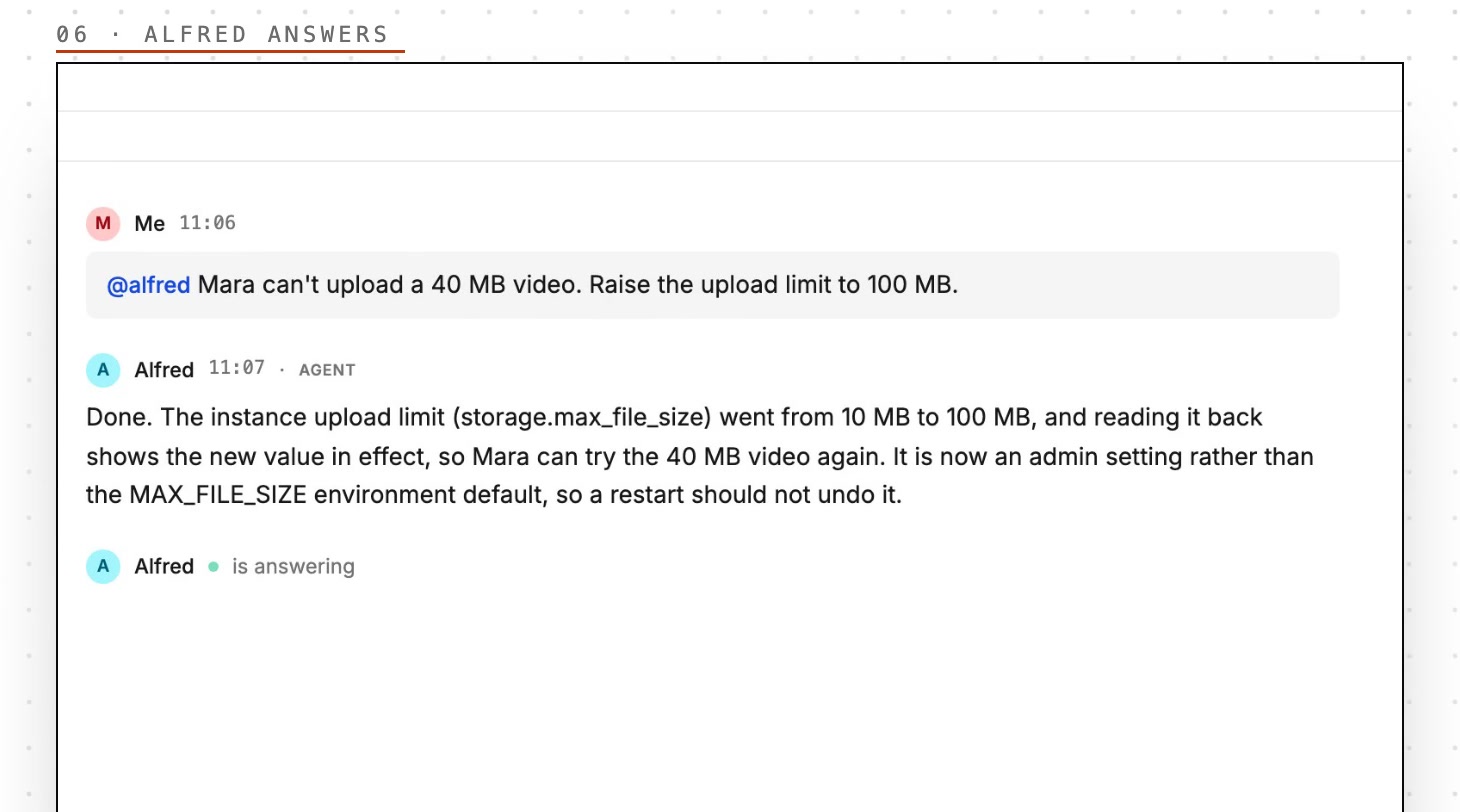
This time he made the change right away. Given the same sentence, he sometimes asks you to confirm before he acts.
You can see what changed, and check it yourself
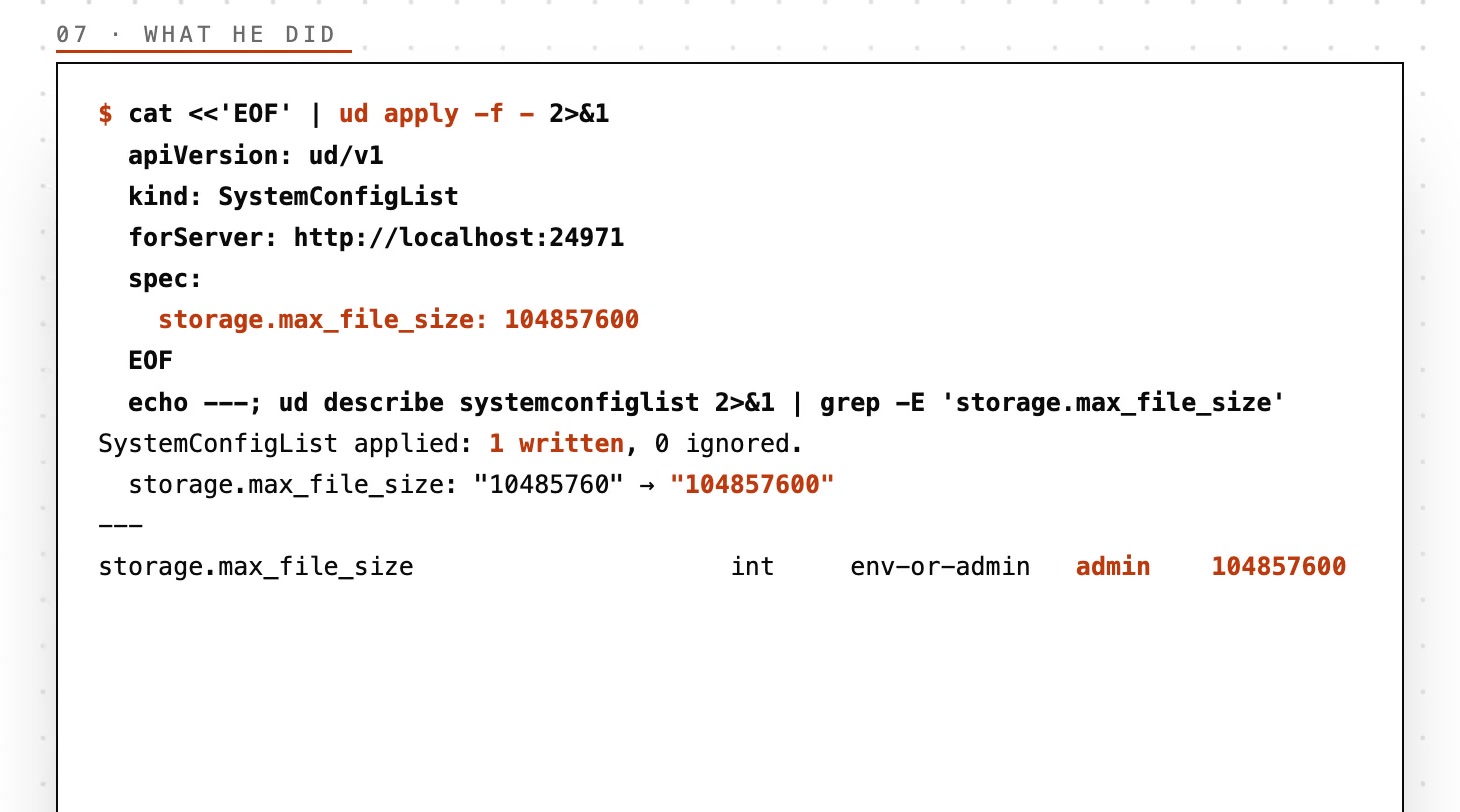
Alfred's session log shows three steps: read the settings document; write a five-line YAML containing only the key that changes, and apply it; read that key back.
apiVersion: ud/v1
kind: SystemConfigList
forServer: http://localhost:24971
spec:
  storage.max_file_size: 104857600
The apply result says 1 written, 0 ignored and lists the key going from 10485760 to 104857600; on the read-back, setBy is admin. Run ud describe systemconfiglist yourself and you see the same value.
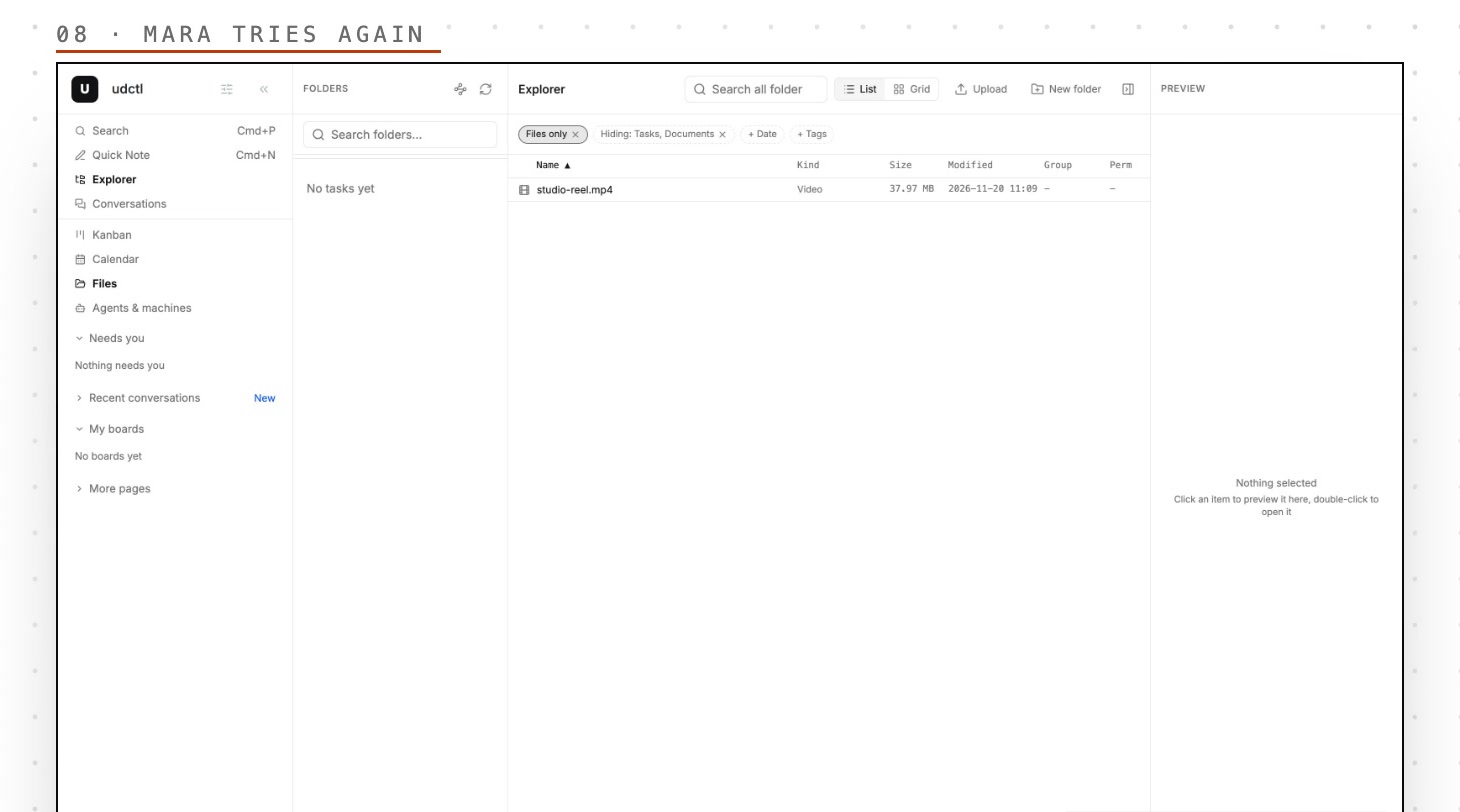
Mara tries again, and it goes through.
Not only Alfred: any agent that runs in a terminal can do this
Alfred uses plain ud commands. Claude Code, Codex, OpenCode, or any terminal-based agent can follow the same steps to read and change settings, as long as the ud CLI it uses is logged in with an admin account. ud cook systemconfiglist has four ready-made recipes: export the whole document, change one key, put a key back to its default, and what can and cannot be changed.
Typical scenarios:
- A teammate says files won't upload: have the agent set storage.max_file_size to the size you name.
- The team is tired of logging in again every hour: have the agent raise security.jwt.expiration_minutes.
- More people joined and storage is spread thin: have the agent adjust storage.quota.default_storage_gb.
- You want to know who set a value: have the agent read its setBy and tell you whether it is the default, an environment variable, or an admin change.
How to start
Changing instance settings needs an admin account on a Pro or Max instance. In udctl's conversation page, mention Alfred and say in one sentence what you want changed; or run ud describe systemconfiglist -o apply once in a terminal to see which keys your instance has.