Shoot together, ask once: everyone's photos in one place, a travel journal from one sentence, shared with one code
Three people spend a day on the coast and come home with three phones and three camera rolls. Getting the photos into one place usually means a group chat that shrinks every picture, or a shared album that everyone has to sign up for, and pay for once it fills up. Once the photos are all in one place, someone still has to sort them and someone has to write it up.
This post walks through one way to do it in udctl (UnDercontrol): photos sync on their own, everyone's shots end up together in a group, one sentence in the evening gets an agent to write the trip up, and a short code lets family read it without an account. All of it can run on your own machine.
We made a 3-minute video of this: watch it on YouTube. This post is the written version. The people and photos in it are made-up demo data.
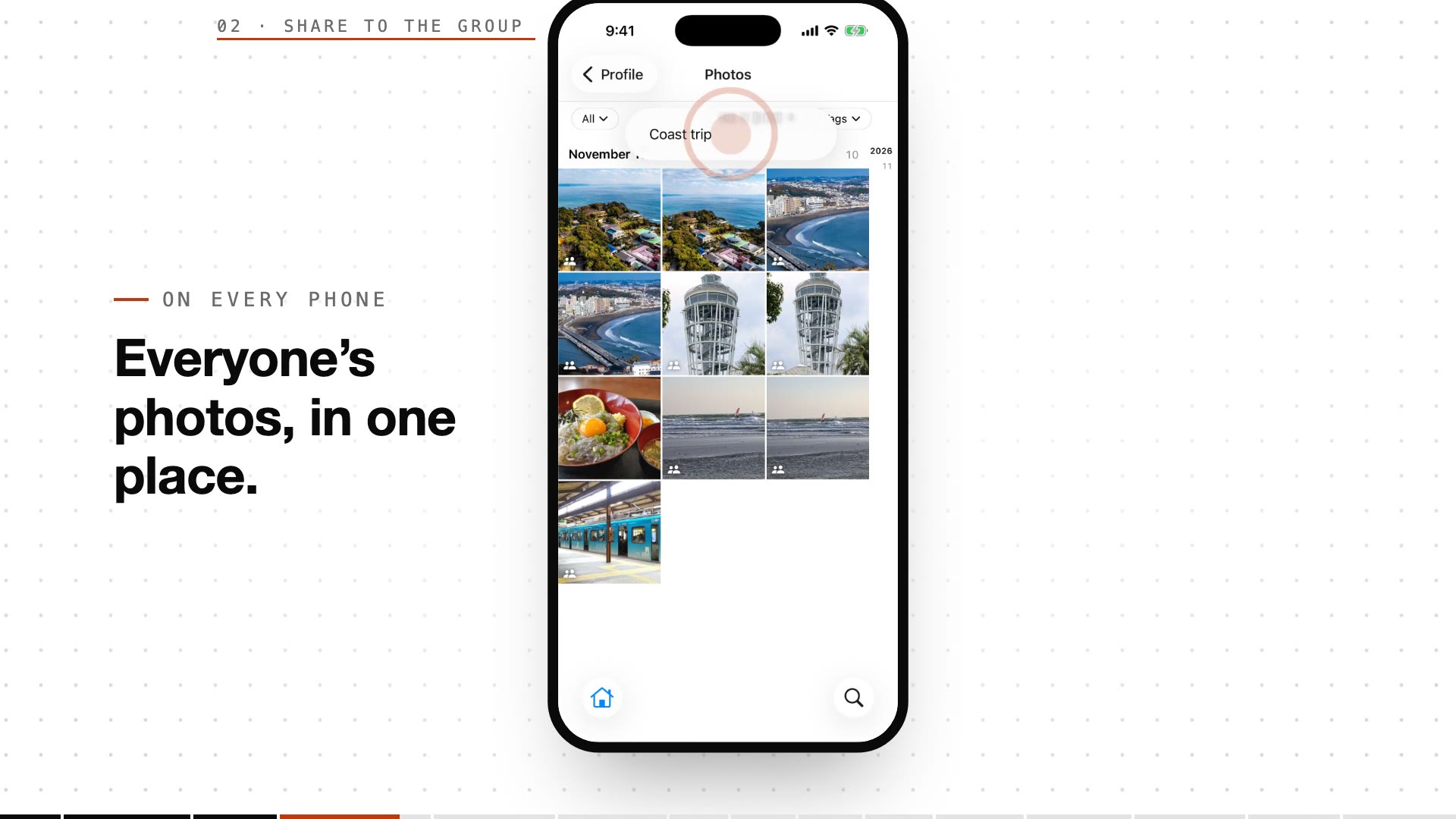
Photos land in one place without anyone collecting them
Turn on photo sync in the udctl mobile app and the photos you take upload to your own library. No uploading them one at a time.
When everyone uses udctl, each person long-presses in the phone's photo library to start selecting, picks the shots they want the others to see, taps Share to group and chooses the group. Photos are stored as originals, not run through a chat app's compression. Tap In group in the filter bar and you see every photo shared into the group, each with a group badge.
Adding someone to the group takes one invite link. They open it, accept, and they are in.
Every photo comes with its time, place and a one-line description
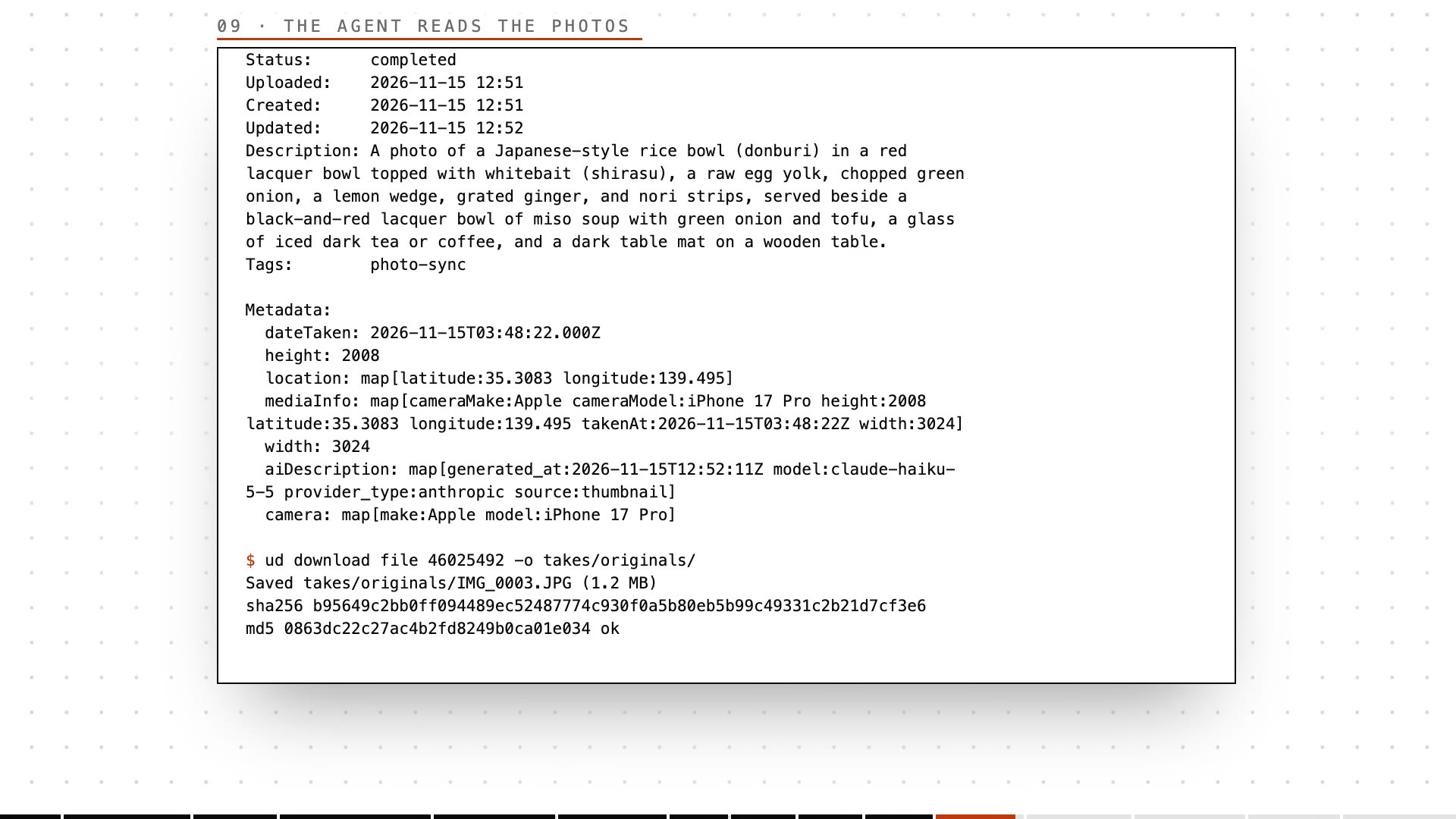
When a photo arrives, the server stores when it was taken and its GPS location, then has an AI model look at the thumbnail and write a short description into the file's description field.
So later, nobody has to remember what a photo shows, or when and where it was taken. Below is one photo as the agent reads it from the command line: time taken, coordinates, camera model, and the description the AI wrote.
No sorting photos, no writing it up yourself
In the evening, say one sentence to Alfred in chat: "turn today's photos into a travel journal." Alfred opens a card and hands it to your travel writer agent. That agent can be Claude Code, Codex, OpenCode, or any terminal-based agent.
The agent lists the day's photos with the ud CLI, in time order, and reads each one's place and description. When it needs detail, it downloads the original and looks at it. The journal lands as a note on the card, with each photo set under the paragraph it belongs to. Anything it could not verify (say, a place name worked out only from coordinates) is marked to confirm, so you check it and fix it.
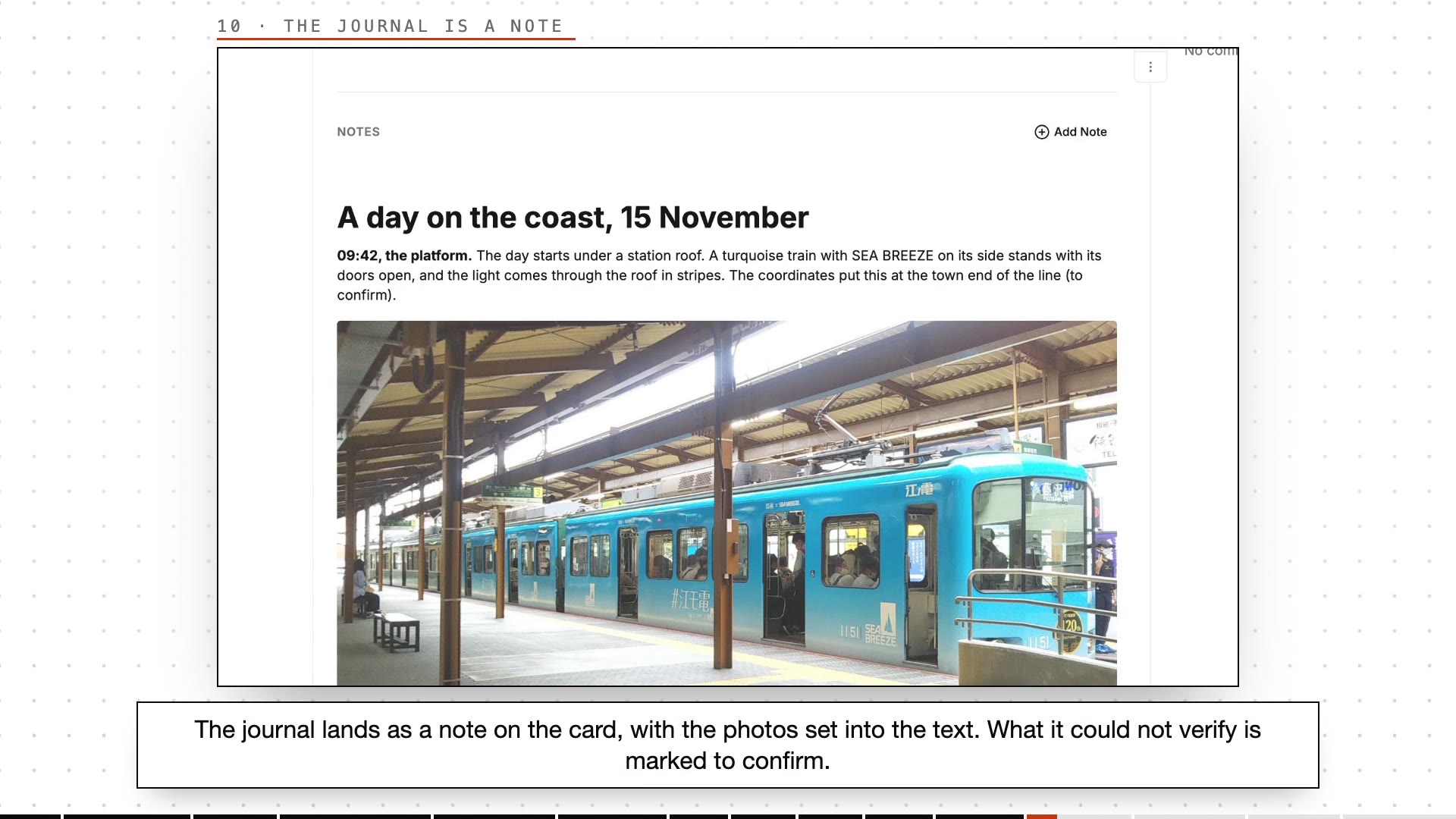
The journal is an ordinary Markdown document. Tasks, notes, expenses and accounts in udctl all use the same editor, so changing a word or swapping a photo works the way it does everywhere else.
Want the others on the trip to edit it too? Share the card with the group, and every member can read and edit it.
Anyone without an account can read it with a short code
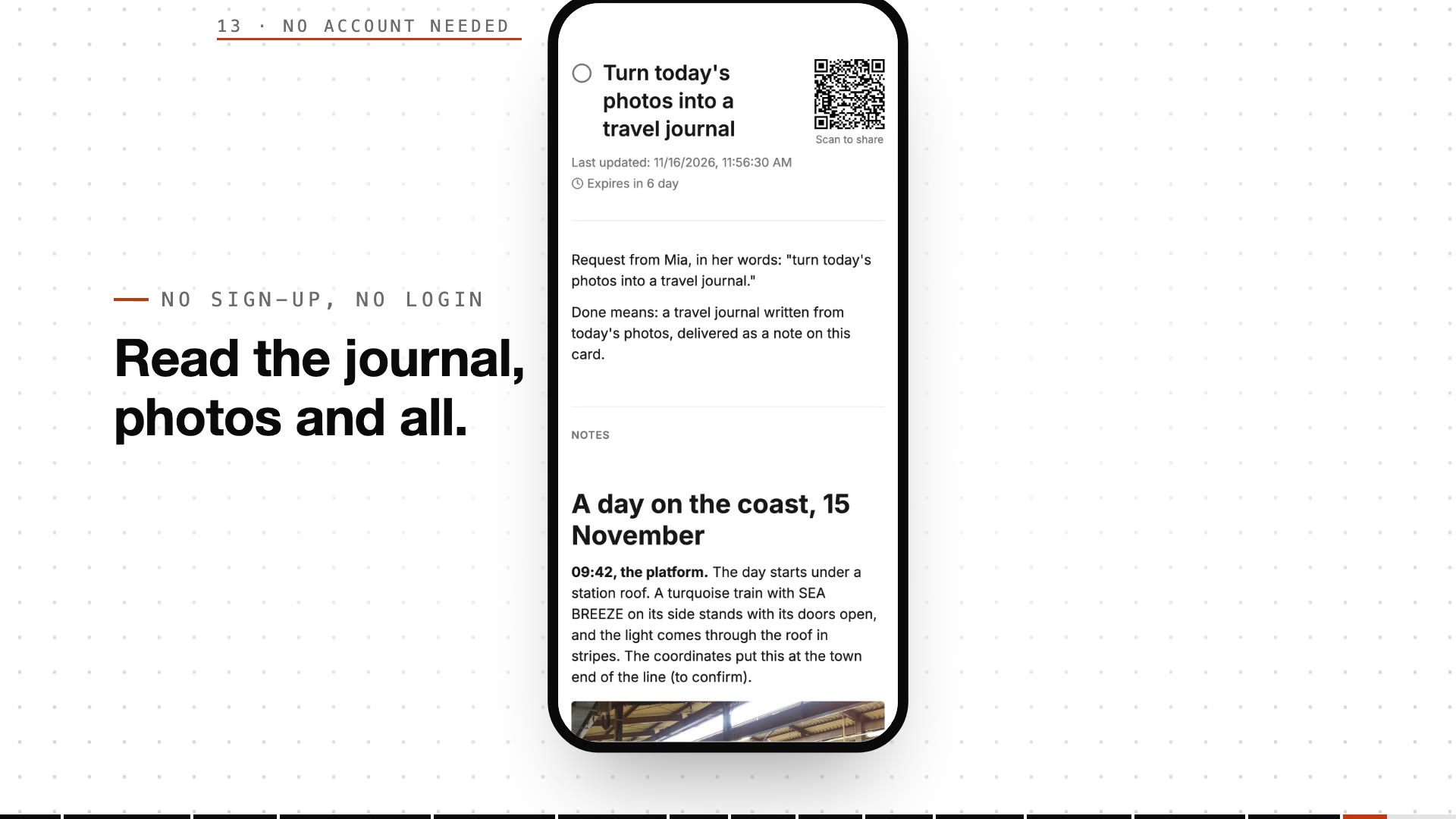
When the journal is ready, click Share to Public in the card menu. That makes a link and a short access code. Your parents, or friends who don't use udctl, open the share page, type the code, and read the journal with all its photos. No sign-up, no login.
Your photos sit on storage you choose, and the bill doesn't count gigabytes
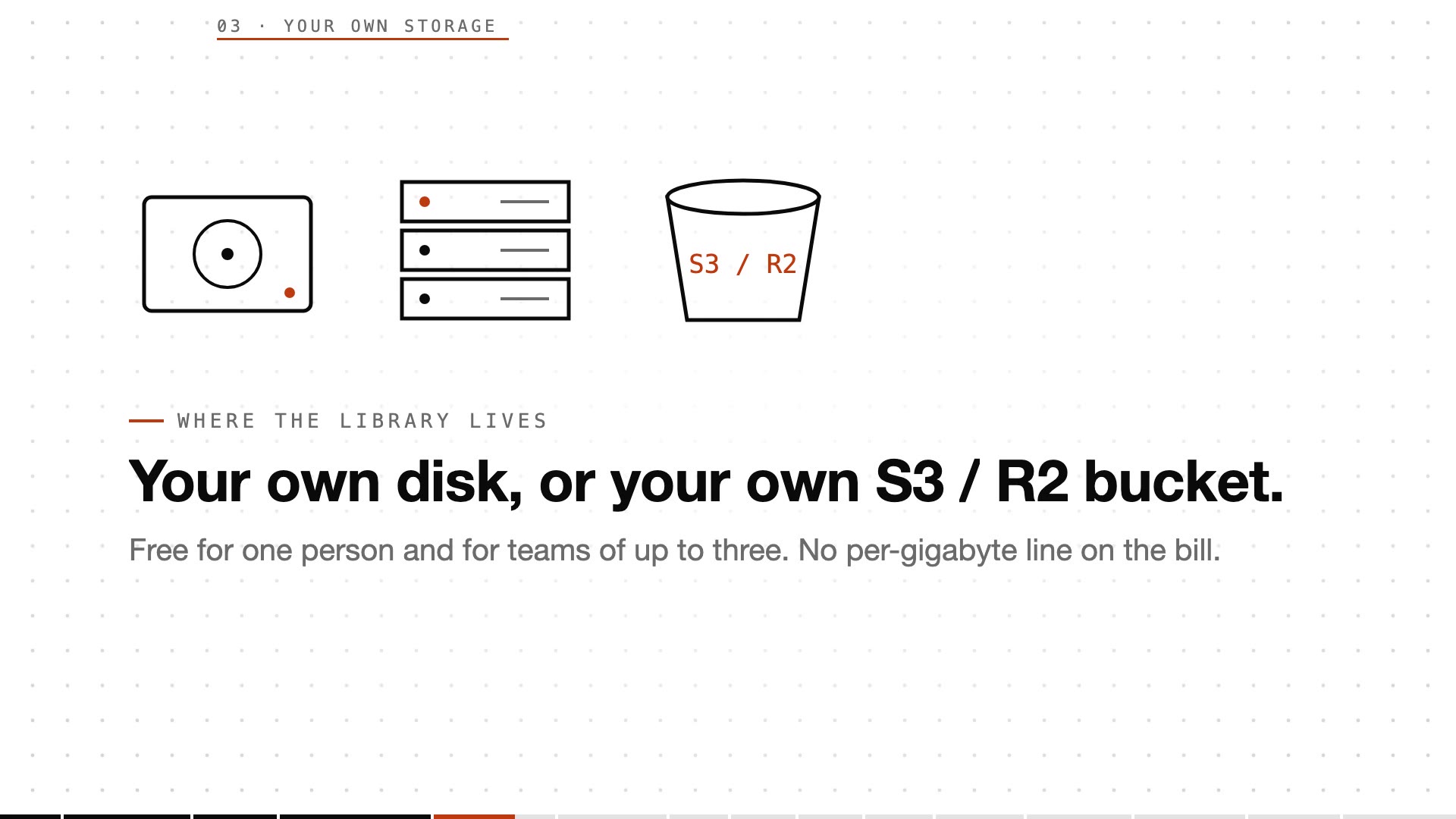
The photo library lives where you put it: this computer's disk, a server at home, or your own S3 or R2 bucket.
Self-hosted udctl licenses are priced by team-size band. One person is free, a team of up to three is free, and no line on the bill charges by capacity (see the pricing page). What storage costs you depends on the disk or bucket you pick.
The whole service runs on your own machine
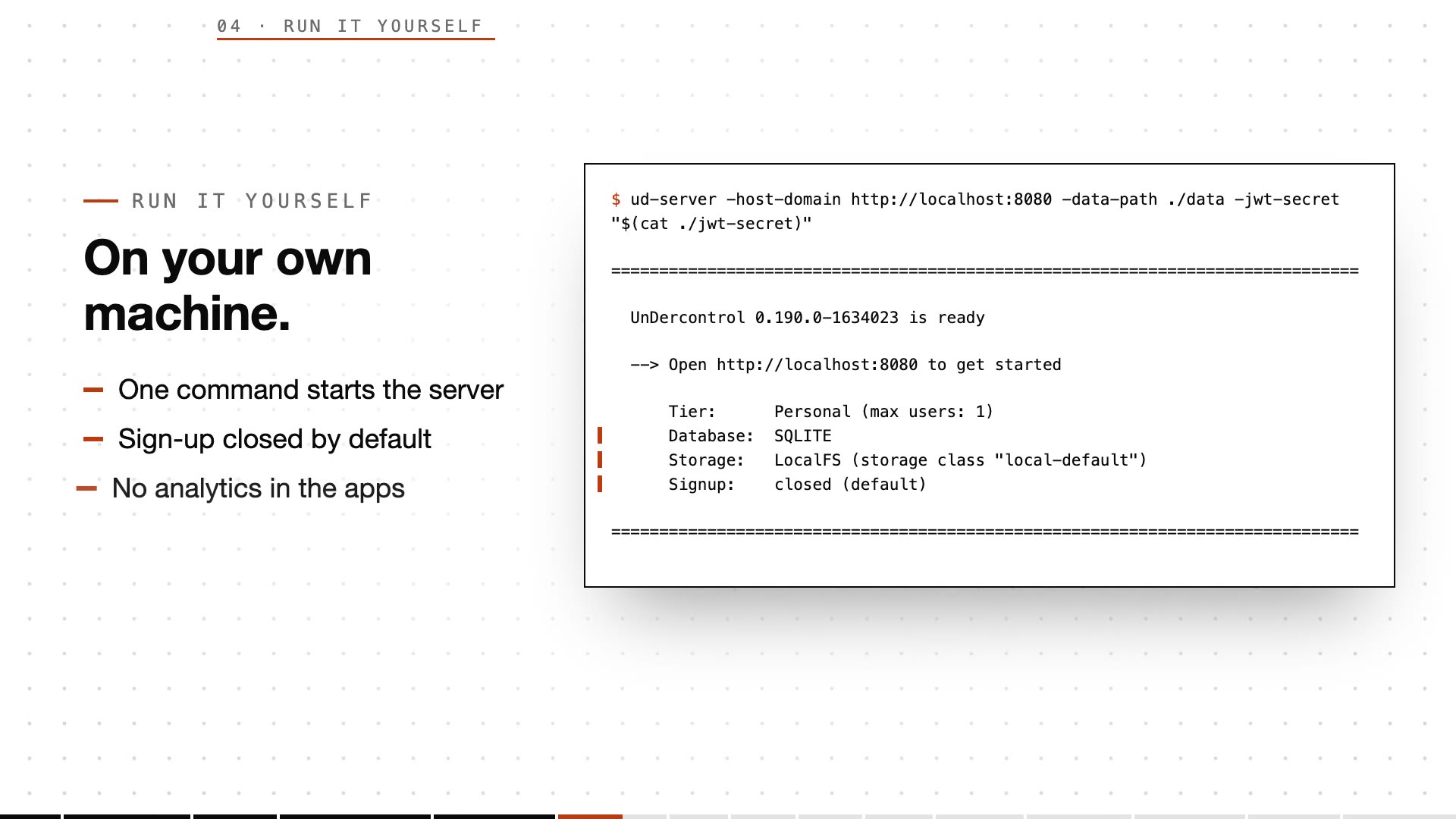
You can deploy udctl yourself. One command starts the whole server (Docker image, a single npm-installed binary, or Homebrew; see the deployment docs). Rather not run a server? The desktop app ships its own backend and runs fully local. The mobile app connects to that server of yours.
Three details about your data:
- A new instance has sign-up closed by default, so only people you invite get in.
- The mobile, desktop and web apps carry no analytics.
- The AI model that describes photos and writes the journal is the one you connect.
Typical scenarios
- A weekend trip with friends: everyone shoots on their own phone, picks a few to share to the group afterwards, one sentence in the evening gets the journal written, and anyone in the group can add a line.
- Traveling with your parents: you take the photos, then drop the short code into the family chat. Your parents read the journal without installing an app or signing up.
- Your kid's weekends: one short write-up with photos each week. The photos are already in time and place order, and you only fix the spots the agent marked to confirm.
- Site visits and business trips: on-site photos carry their own time and location. Have the agent turn them into a visit report along the timeline, then share it with the team.
Getting started
- Self-host: read the deployment docs or start from the self-hosting page.
- Rather not run a server: install the desktop app, which runs its own backend locally.
- On your phone, turn on photo sync and point it at your own server. New photos go straight into your library.